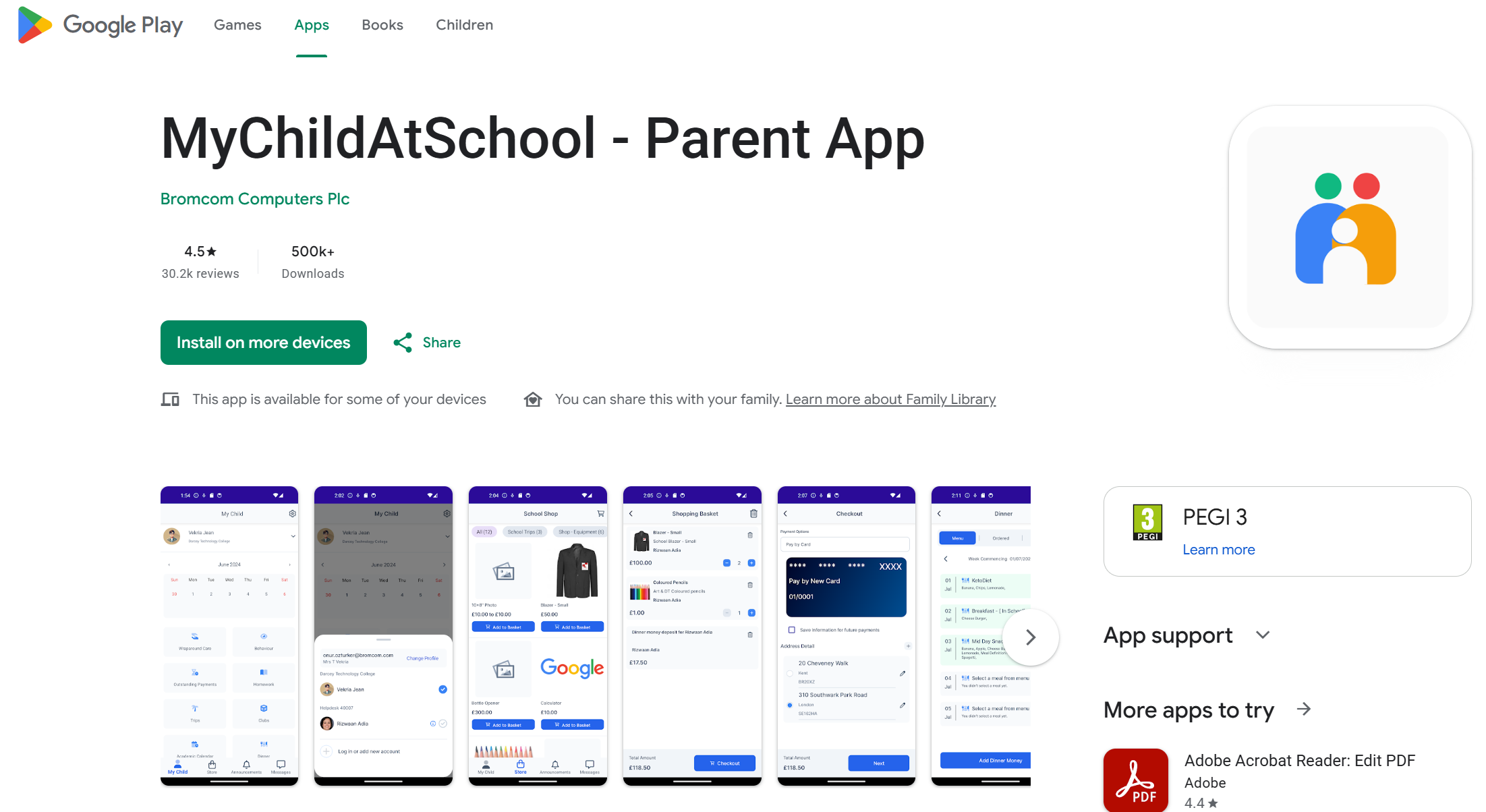
My Child At School (Portal)
 Our Management Infomation System in School is called Bromcom. Please find below user information for parents and students. This means that all important information regarding your son/daughter's journey with us can be access there. You will see their timetable, the behaviour records an, amongst other things, their daily attendance.
We strongly advise and encourage as many parents/carers as possible sign up for the My Child at School App as this will be a key method of communication.
Registering for My Child At School (MCAS)
Families can register for My Child At School (MCAS) in two ways:
- From within web browser type www.mychildatschool.com, this will open the Parent Login screen.
- From the MyChildAtSchool mobile phone app, this will open the Parent Login screen.
 |
 |
Once in the Parent Login screen families should follow these steps:
• Click on the Sign Up link in the Login screen.
• Enter the school’s Postcode B91 3NZ or School ID 14450
• Select the school from the list in the dropdown.
• Click Continue.
• Enter the registered email address (this email address must be on school's records).
• Click Sign Up.